
Light Mode

Browser or Desktop, What Each One Has
Written by Daniel Mirkin, CEO of Trade Ideas, which makes the software described here.
Free account, just an email. No card. 15-minute delayed data.

Named to the Inc. 5000 list of America’s fastest-growing private companies six years in a row (2017–2022).

Investopedia: Best Short Term Stock Screener, 2024
The short answer: Both run on the same real-time data, with no speed difference. The Web Dashboard runs in any browser, Mac included, and has all the alerts and filters. TI Pro, the full desktop app, runs on Windows or on a Mac through Parallels and adds Market Explorer, Brokerage Plus, external linking and more than 5 charts at once.
| Feature | Web Dashboard (browser) | TI Pro (desktop) |
|---|---|---|
| Runs on | Any browser: Mac, PC | Windows; Mac through Parallels; or a cloud Windows PC |
| Alerts and filters | All of them | All of them |
| Speed | Same | Same |
| Holly AI Signals (TI Premium) | Yes, entry and exit signals | Yes |
| Charts at once | Up to 5 | More than 5 |
| Market Explorer | No | Yes |
| Brokerage Plus (trading from the software) | No | Yes |
| External linking | No | Yes |
| Sound alerts | Yes, except ticker call-outs | Yes, with ticker call-outs |
| Graphical indicators and some color coding | Not supported | Yes |
Source: the Web Version chapter of the Trade Ideas User Guide, checked October 12, 2026.
The browser version isn't a demo. It runs on the same real-time data, and all the alerts and filters you use to build custom scans are there. If you are on TI Premium, Holly's entry and exit signals show up in the browser too. Top Lists update every 15 seconds in both.
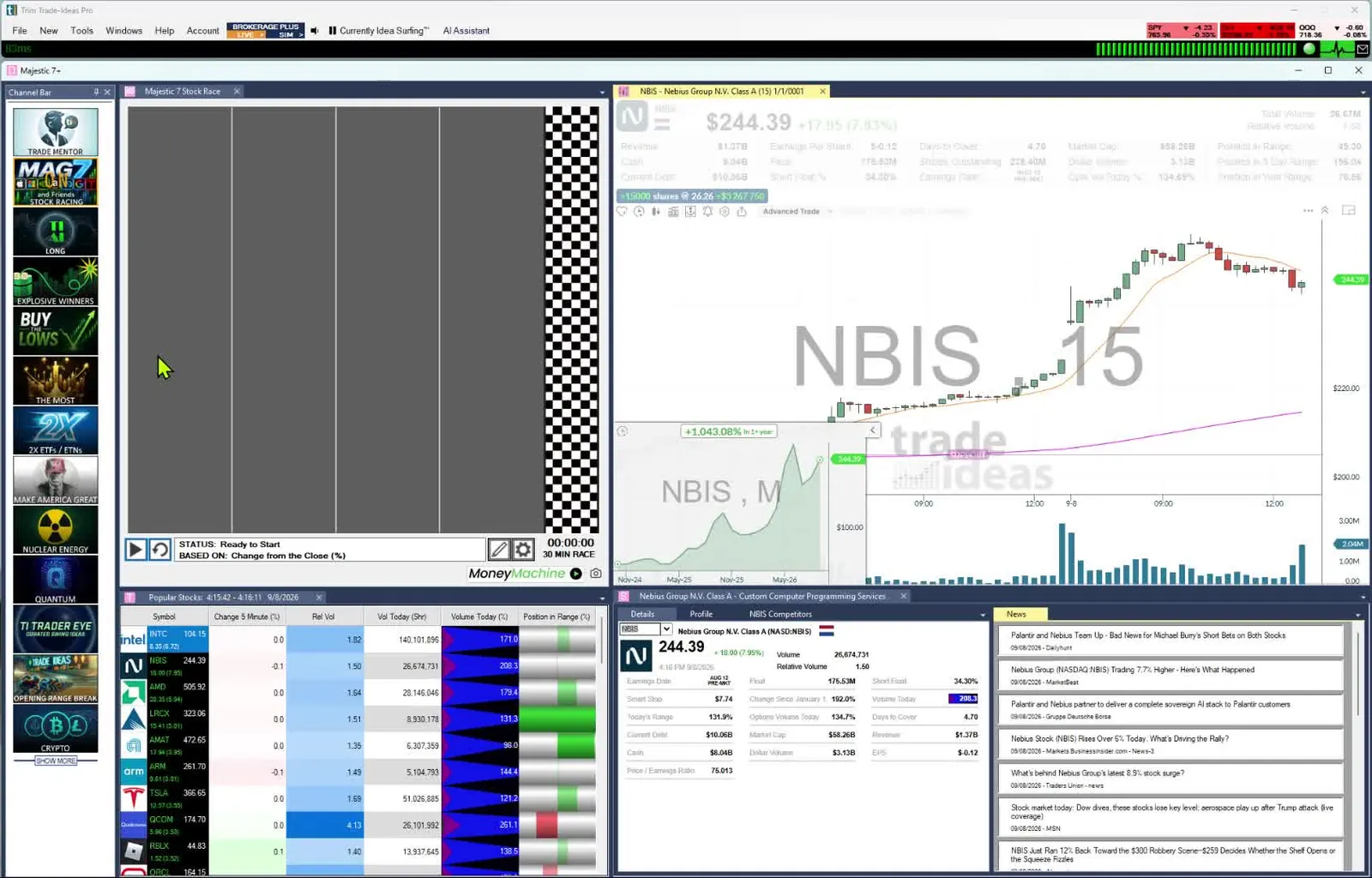
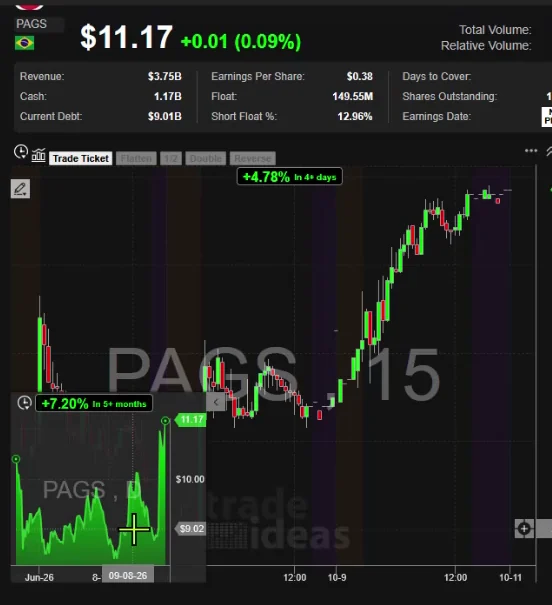
There is no macOS download. You have two choices. Use the Web Dashboard in any browser, or run TI Pro, the Windows app, through Parallels. A third route is a Windows PC in the cloud, like Windows 365 or Amazon WorkSpaces: you connect over the internet and use it like a local PC, and it keeps running if your own machine sleeps.
Start in the browser. Open a free account with just an email, no card; it runs on 15-minute delayed data and does not expire. Move to TI Pro when you want to trade from the software with Brokerage Plus, use Market Explorer, run more than 5 charts or link to other programs. See plans and pricing.
The browser version is slimmer. Per our User Guide, it does not have Market Explorer, the Brokerage Plus module or external linking, it loads up to 5 charts at a time, its sound alerts skip ticker call-outs, and a few color and graphical-indicator options are missing. There is no speed difference.
No. Our User Guide says there is no speed difference between the desktop and web versions.
Yes. Per our User Guide, all the alerts and filters for building custom scans are in the web version.
Yes, on TI Premium. Our User Guide says Premium users get Holly's entry and exit signals in the web version.
Yes, through Parallels. TI Pro is a Windows app, so on a Mac you run it in Parallels, or on a Windows machine in the cloud such as Windows 365 or Amazon WorkSpaces. The Web Dashboard runs in any browser.
Start in the browser with a free account, just an email, no card. It runs on 15-minute delayed data and does not expire. If you need Brokerage Plus, Market Explorer, more than 5 charts or external linking, use TI Pro.
Past results, including backtests, don't guarantee future results.
Free account, just an email. No card. 15-minute delayed data. Ready to buy? See plans & pricing